Install RStudio and the Tidyverse packages
Learning outcomes
- Install RStudio and the Tidyverse packages
For teachers
Teaching goals are:
- Learners have installed RStudio and the Tidyverse packages
Questions:
- Why use RStudio?
- Why use the Tidyverse?
Goals
- Install RStudio
- Using RStudio to install the Tidyverse packages
What is RStudio?
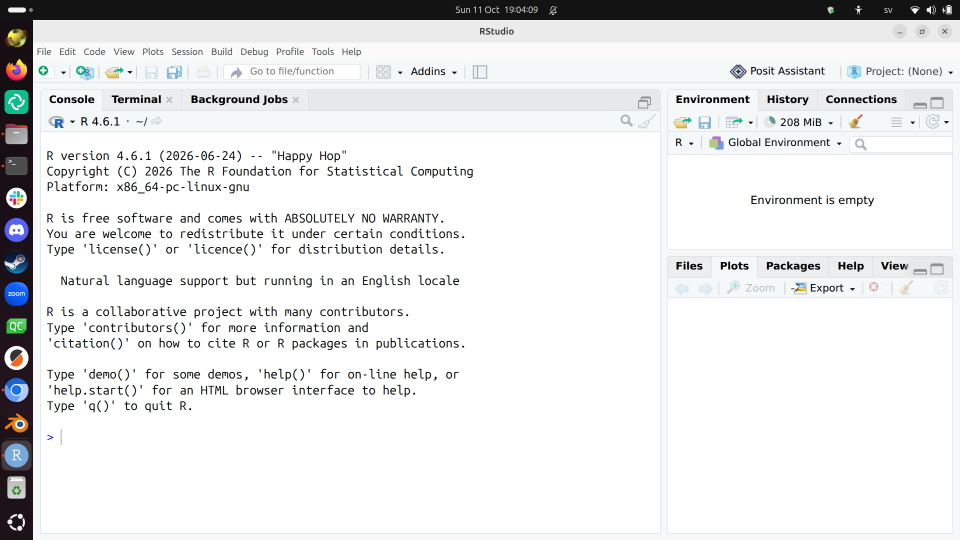
RStudio is a program to help you program in R.
Why use RStudio?
RStudio is:
- one of the most used programming environments for R
- free and open source
- helpful to beginners
Exercises
Exercise 1: install RStudio
- Search the web for 'Install RStudio'
- Click on the hit Download RStudio Desktop and Server | Posit Data Science Tools
- On that page, click 'Download RStudio'
- Download the (Open Source) RStudio version that is suitable for your operating system
- Run the RStudio installer. Use all defaults.
Exercise 2: install the tidyverse packages
Follow the instructions at
section 'The tidyverse'
to install the Tidyverse packages
How does that look like?
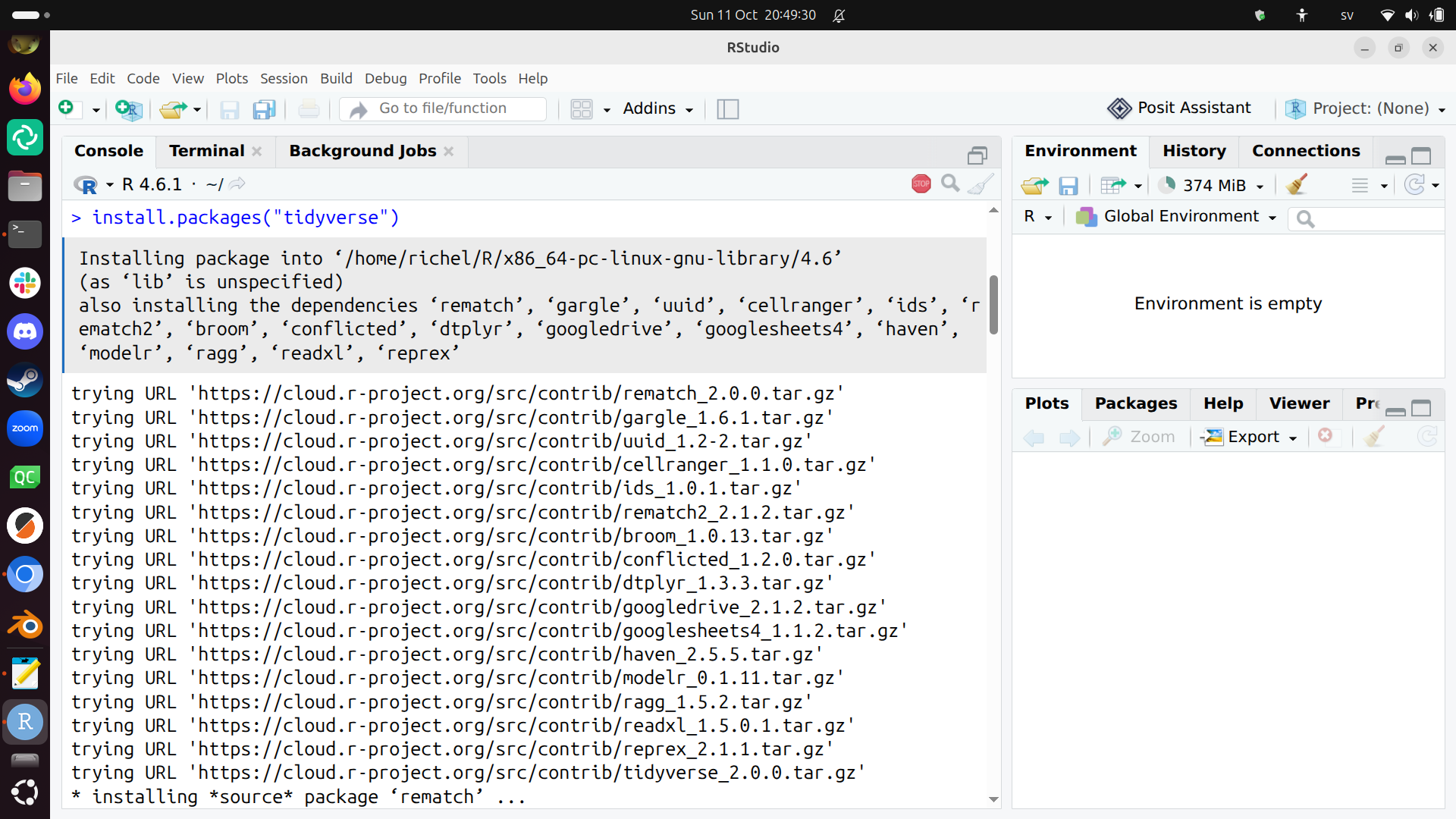
This can take a while and this is a great moment to already scan the book 'R for data scientists'.
Exercise 3: activate the tidyverse packages
Follow the instructions at
section 'The tidyverse'
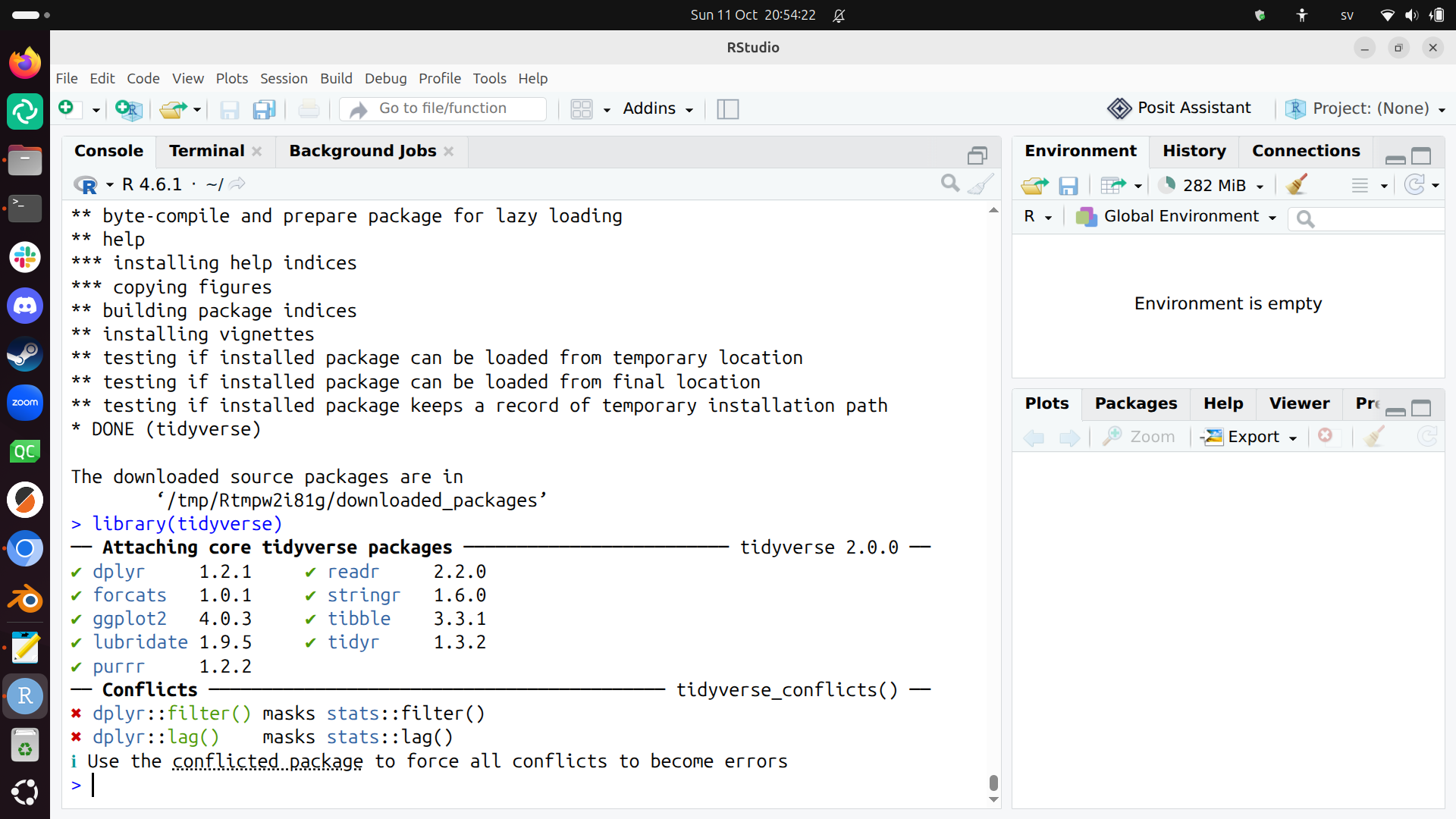
to activate the Tidyverse packages.
How does that look like?