9. Use Inkcut
In this step of this vinyl cutter to T-shirt manual, we use Inkcut to make the vinyl cutter cut out a design in our vinyl foil.
9.1 Load an SVG
In Inkcut, load an SVG.
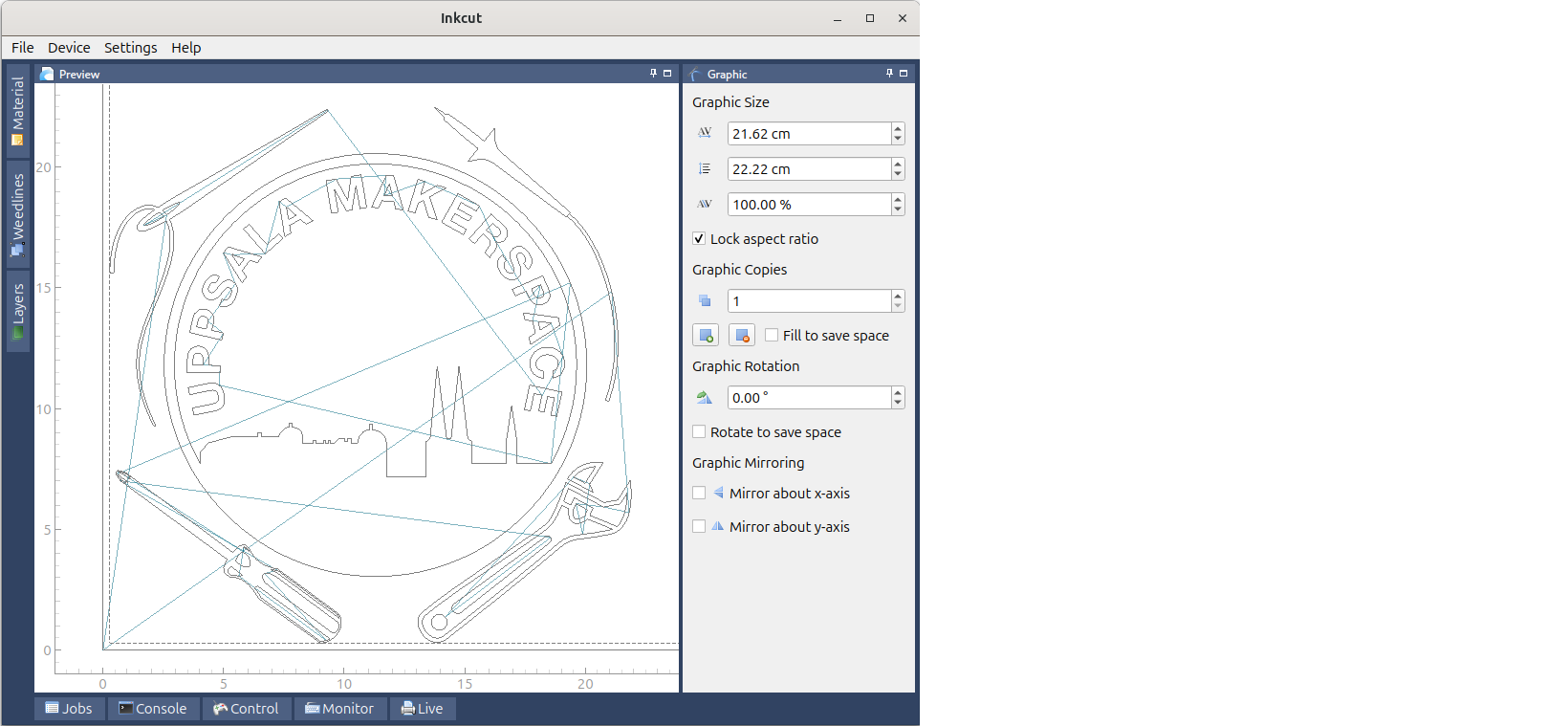
9.2 Mirror the image
Click on 'Mirror y-axis' (at the bottom-right of the screen) to mirror the image horizontally. This is especially important for letters.
How does forgetting this look like?
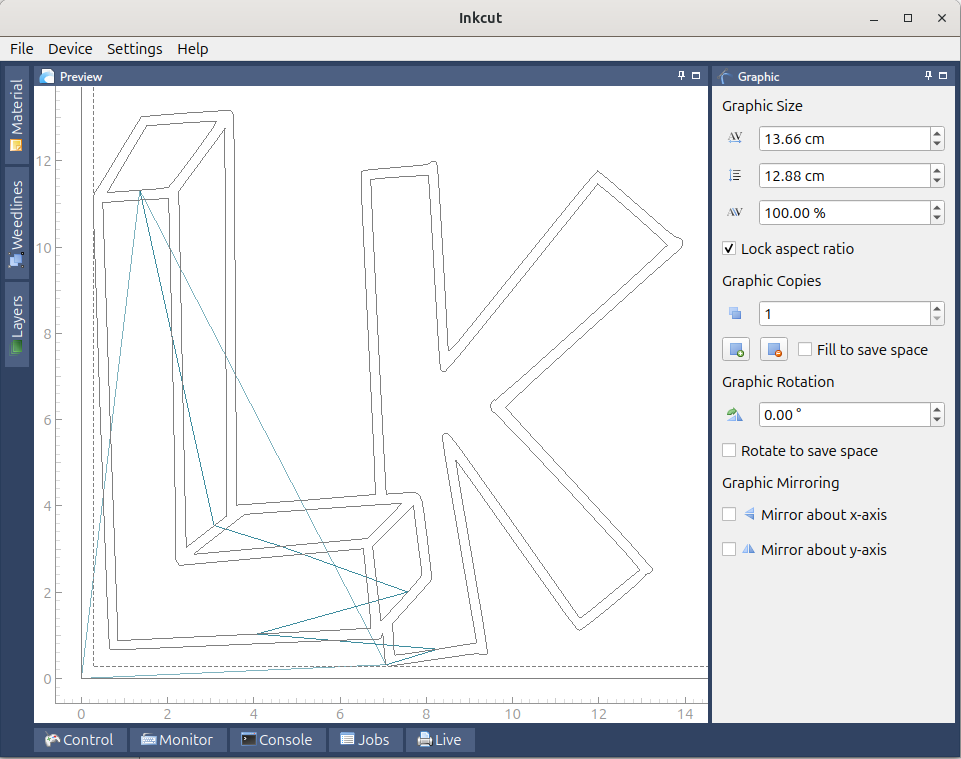
Fig 9.2. Don't forget to mirror letters. These letters will be mirrored when put on a T-shirt
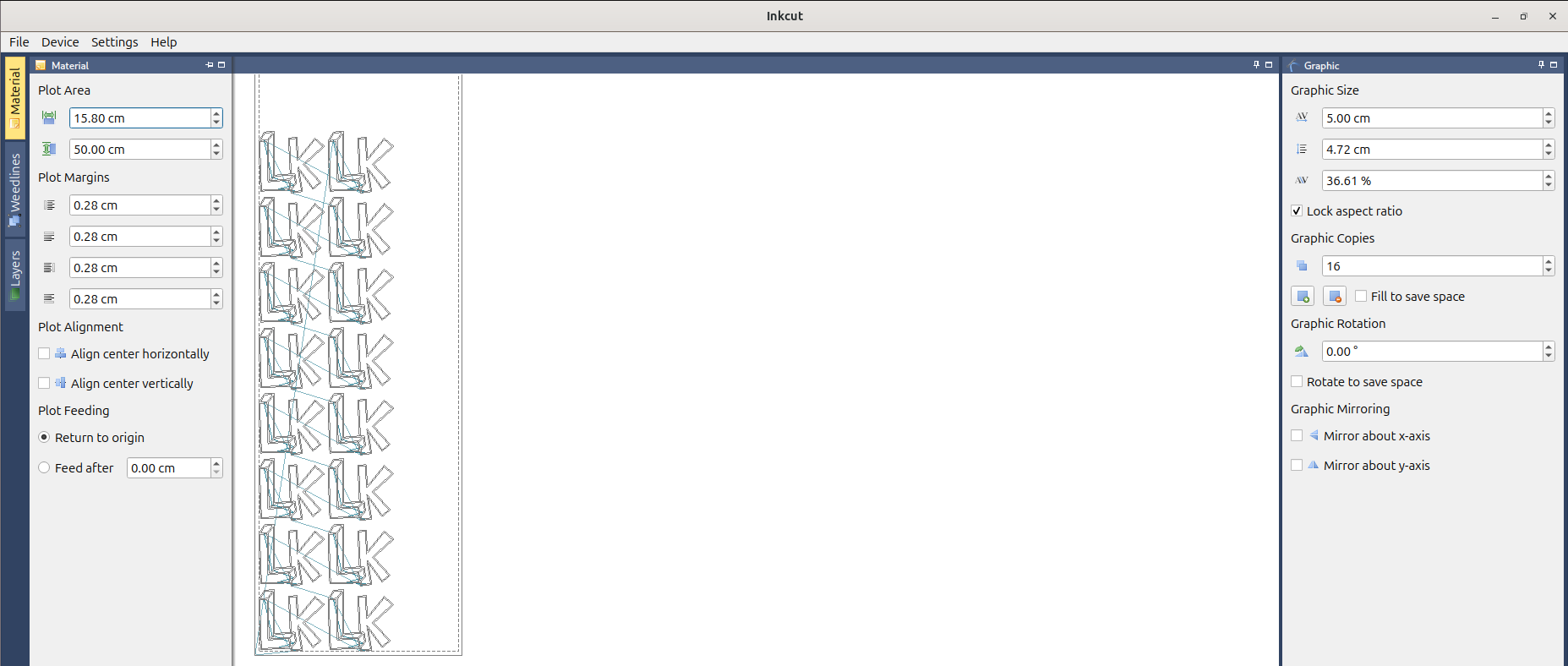
9.3 (optional) Set up multiple images correctly
For many copies, do as shown here:
How should this not look like?
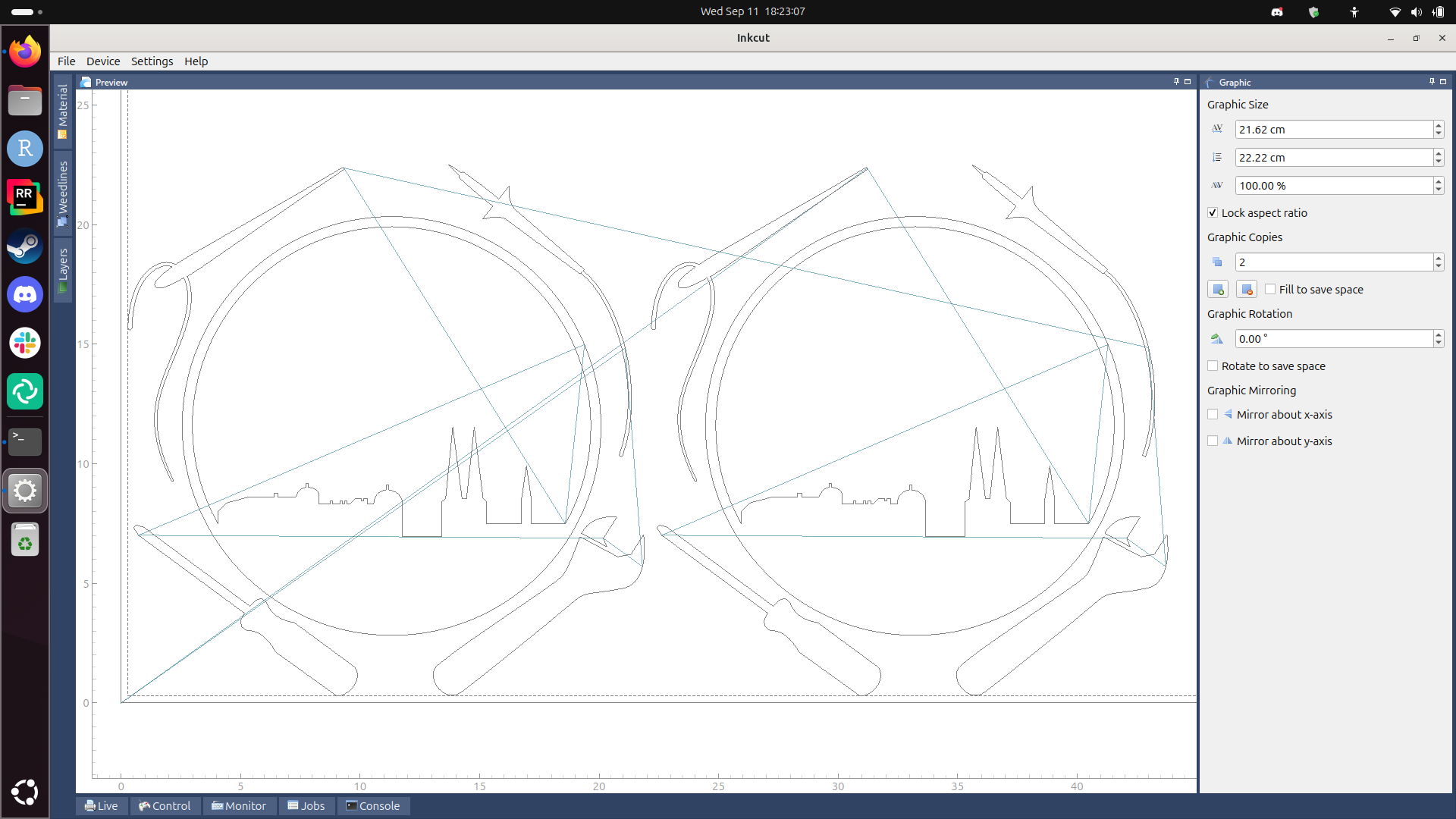
Fig 9.3b Don't do two copies like this, this is wasteful.
9.4 Start the cut
Click on 'Device | Send to device' to start the vinyl cutter.

Click on 'Device | Send to device' to start the vinyl cutter
9.5. Common errors
9.5.1. Permssion denied:/dev/usb/lp0`
How does the full error look like?
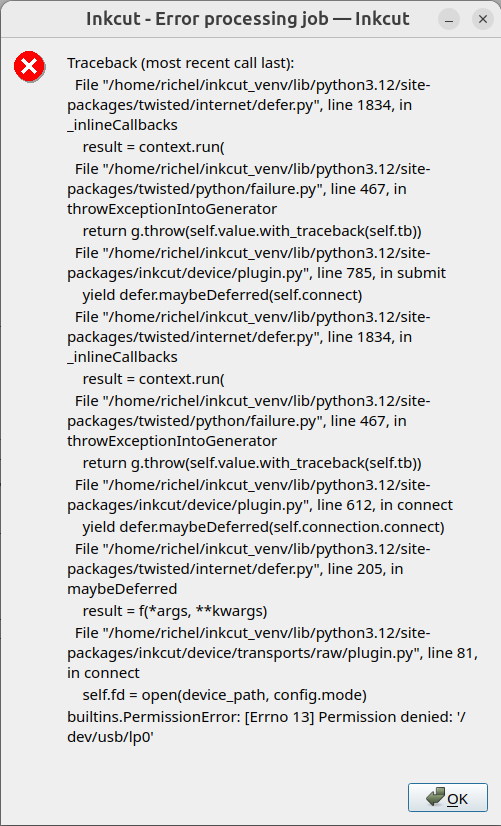
In a terminal, type the line below and print again.
This error will show up every print.